Trados Quality Assurance
Master the industry standard for translation verification. Learn how to configure QA profiles, verify tags, and generate comprehensive quality reports.
Verification Tools Overview
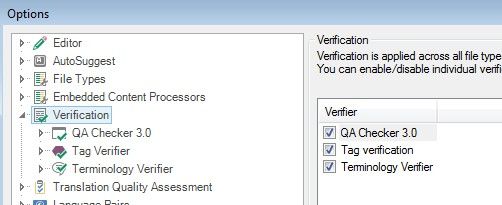
SDL Trados Studio includes tools to check for errors and inconsistencies at segment, document, or project level. QA Checker, Terminology Verifier, and Tag Verification are the core sets.
Tag Verification
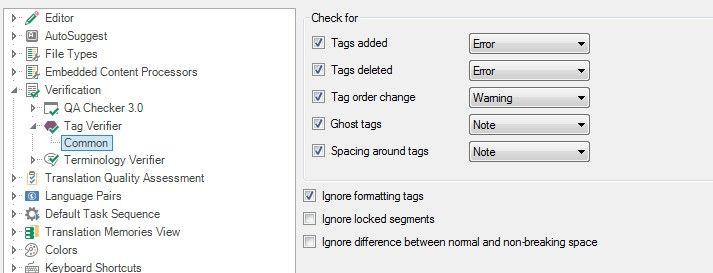
Ensure tags in the translated document match the source. Configure settings in Project Settings > Verification > Tag Verifier to ensure no tags are moved or deleted.
QA Checker 3.0 Settings
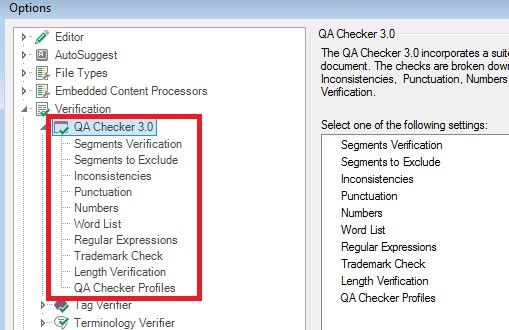
Specify criteria for length, punctuation, numbers, and inconsistencies. You can save these settings in a profile for reuse across projects.
Batch Task Verification
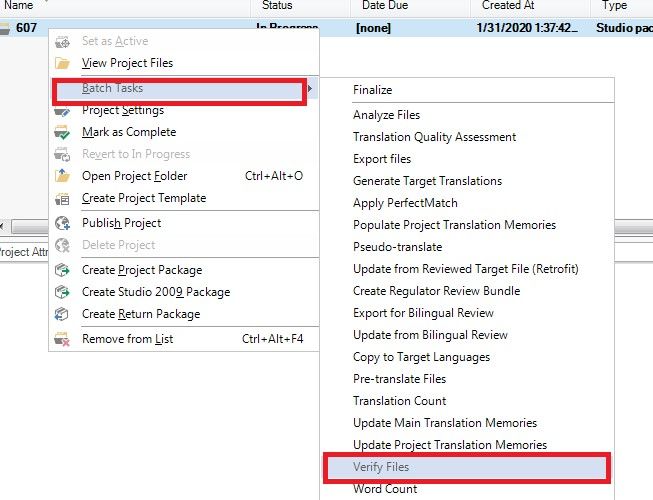
To verify multiple files, use Batch Tasks > Verify Files. This runs all enabled checks across the selected project scope.
Task Results & Errors
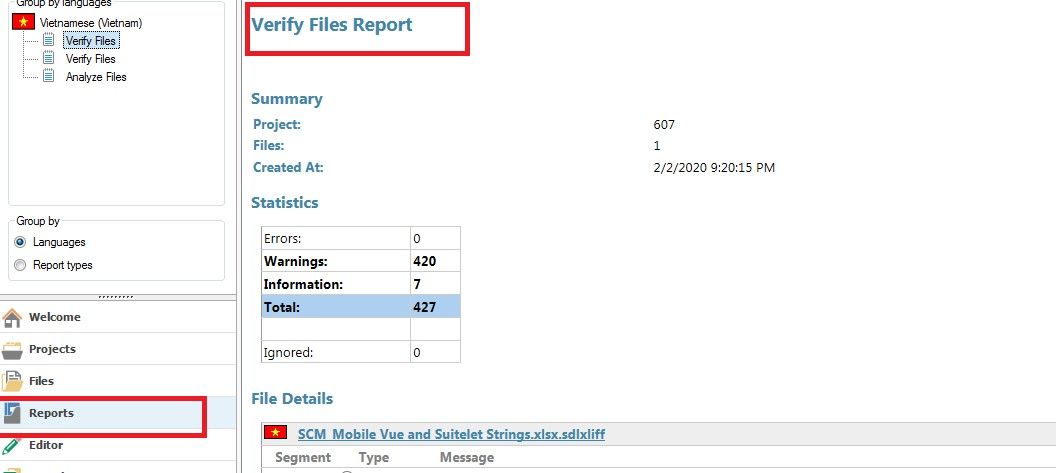
Review the messages produced by the verification task. All valid errors must be addressed before final report generation.
Exporting QA Report
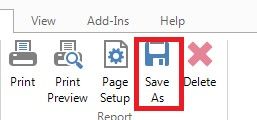
Export the final report in Excel format. This report serves as proof of quality and is a mandatory delivery requirement.