Smartcat Collaboration
Harness the power of real-time QA and cloud-based collaboration to deliver flawless translations with minimum manual oversight.
1
Automated QA Overview
Smartcat provides automated quality assurance in real-time. It checks for spelling, punctuation, terminology, and formatting errors as you translate in the editor.

2
Generating QA Reports
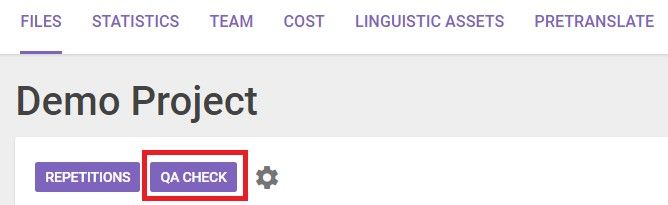
Go to the project page and select the 'QA Check' button in the Files tab. This allows you to check specific documents or the entire project at once.
3
Error Grouping
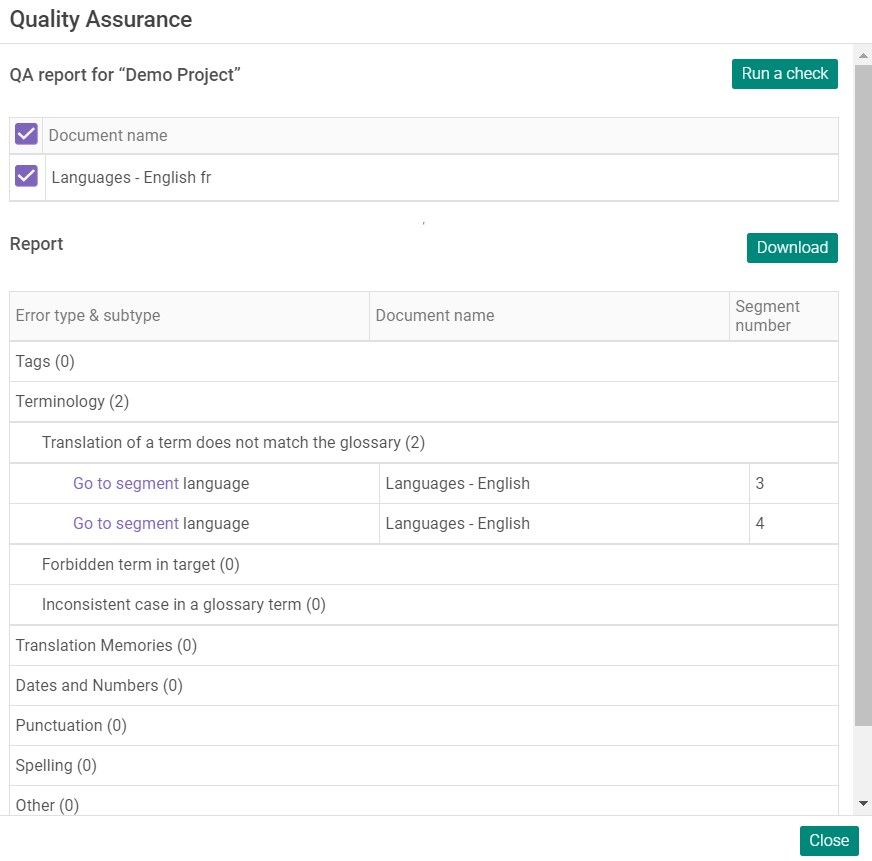
Errors are grouped by type. You can drill down to see specific segments and sub-types. Use the 'Go to segment' link to jump directly to the editor.
4
Download & Delivery
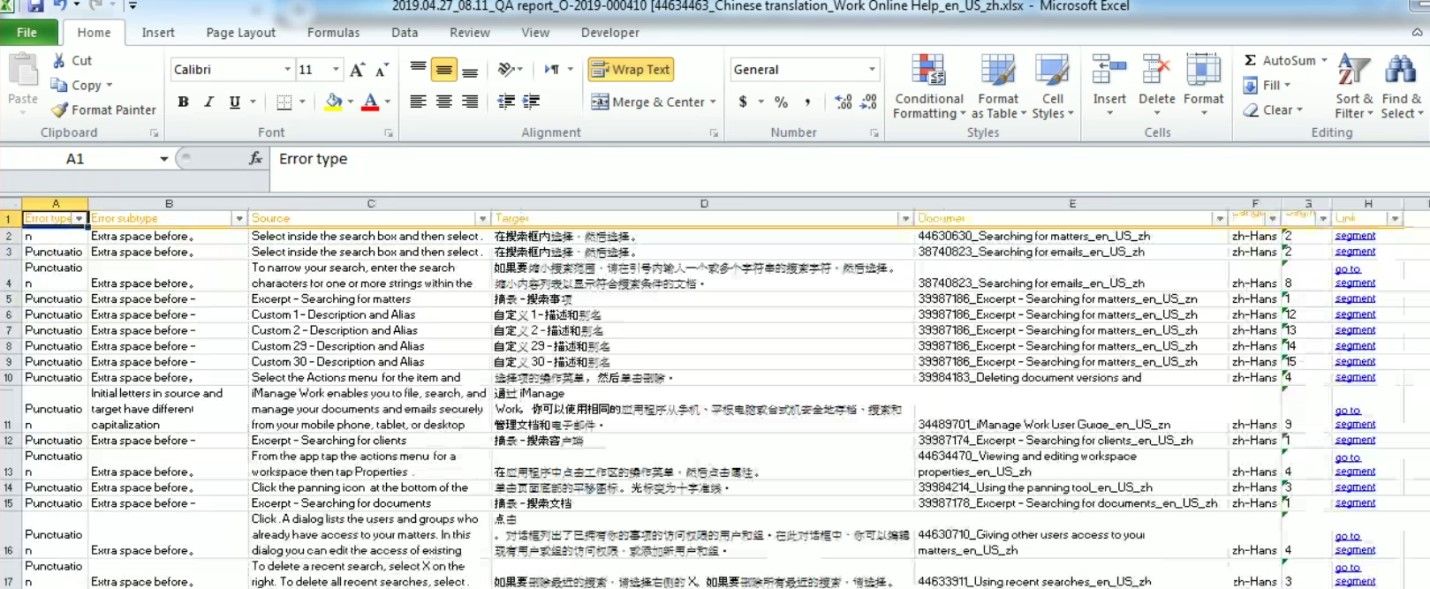
Download the Excel error report for offline review. Linguists must submit a commented spreadsheet marking FP (False Positive) errors.