MTPE Optimization
Professional post-editing workflow for Google Translator Editor, focusing on HTML tag integrity and character limit adherence.
Login & Project Setup
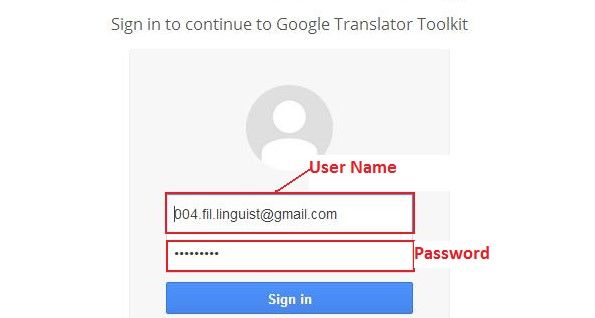
Access the editor via the provided URL. Login with your credentials to view the assigned project page and document list.
Manual Translation Check
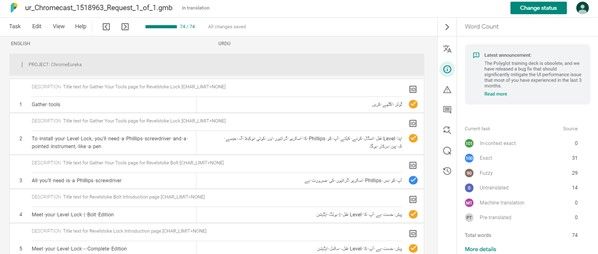
Review the document manually. If you encounter issues with machine translation, correct them to ensure linguistic accuracy and natural flow.
HTML Tag & Character Limits
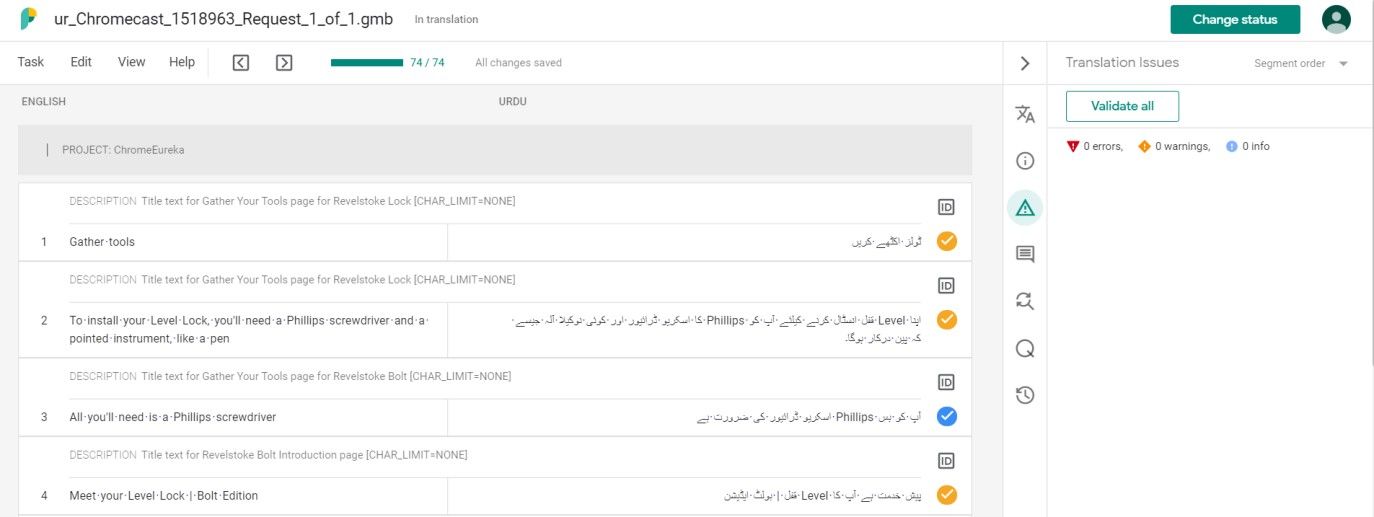
Ensure HTML tags and placeholders exactly match the source document. Check description text and CHAR limits for all strings strictly.

Running QA verification
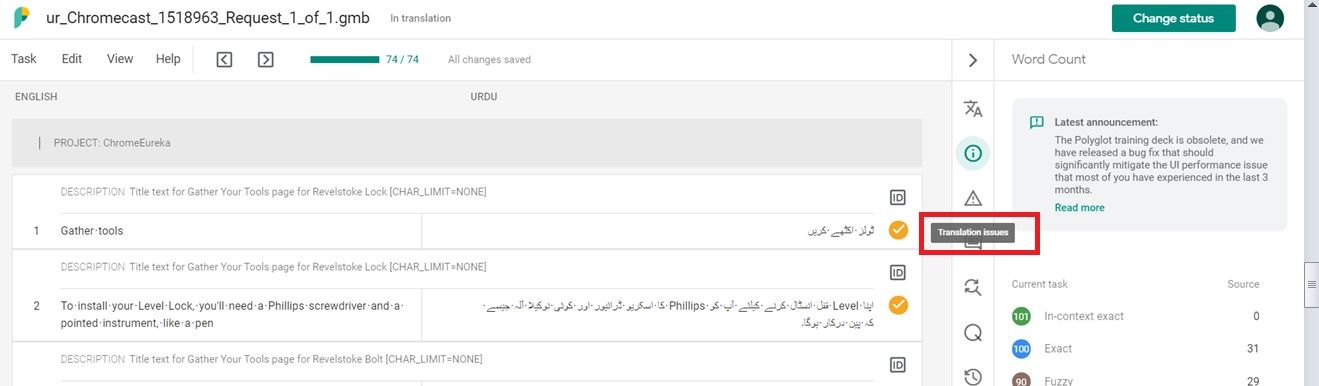
Verify the target document to find untranslated segments, inconsistent placeholders, or spacing issues. The QA icon highlights all critical errors.
Validation Process
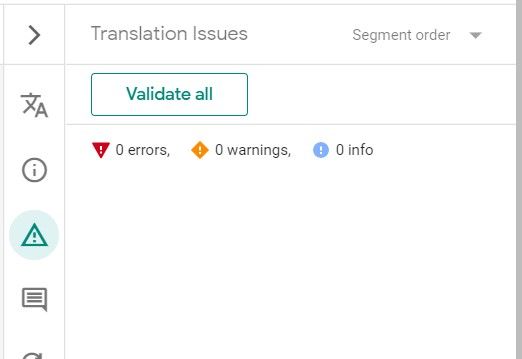
Once corrections are made, click the 'Validate all' button to confirm that the translations meet the required standards.
Final Delivery Requirement
The final delivery must show '0 errors' in the translation issues panel. Ensure all segments are validated before submission.