Crowdin Production Guide
Master the technical workflow for Crowdin, from initial login to final QA validation and project delivery.
Login & Project List
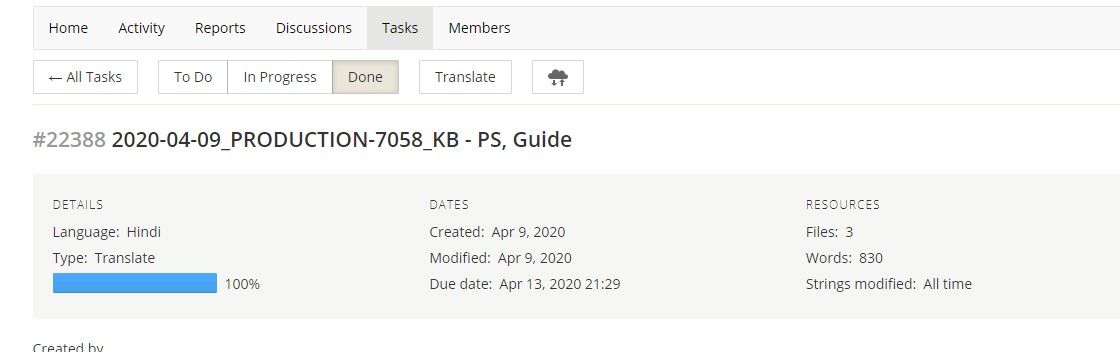
Login to Crowdin using your credentials. The dashboard displays a list of active projects along with detailed word counts and progress bars.
Crowdin Editor Interface
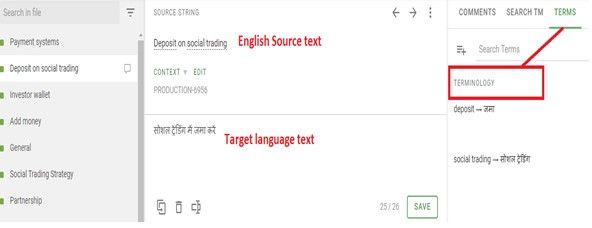
In the editor, you can view the source text, term base suggestions, and the target text field. This unified view ensures consistency across all segments.
Terminology Adherence
Follow the TERM BASE strictly. Crowdin highlights terms from the glossary to ensure brand consistency and technical accuracy.
QA Check & Proofreading
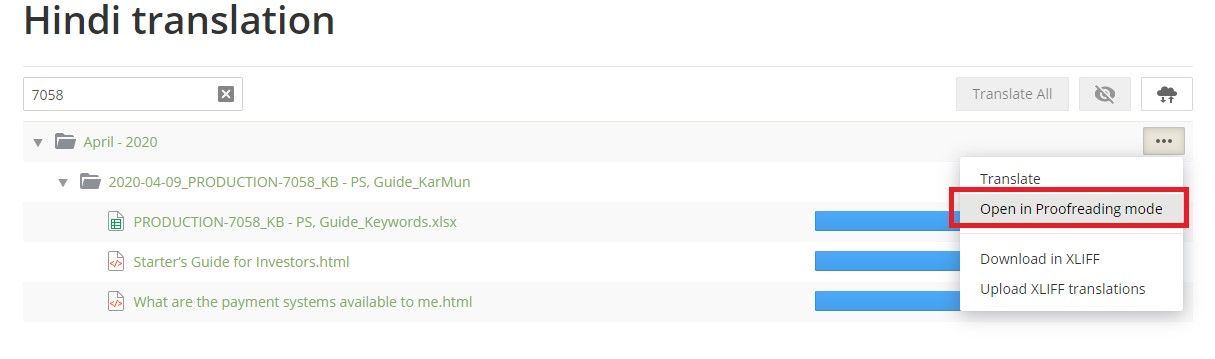
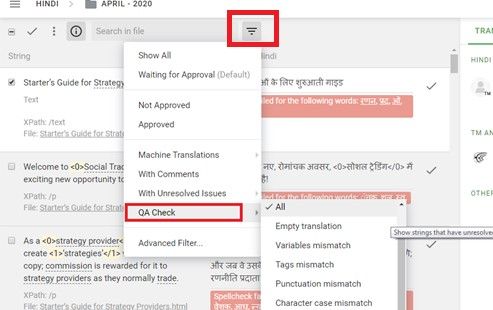
Run a QA check when translation is complete. You will be redirected to the Proofreading mode to review and resolve all flagged issues.
Validation & Save
Approve existing translations if they are in order, or make necessary changes and click 'Save'. Ensure all segments are validated.
Delivery Requirements
Final delivery requires a 100% translated file with all QA issues resolved or ignored with valid reasons.
